
BUSINESS WORKFLOW MANAGEMENT SOFTWARE
Build Smarter Workflows for Every Business Process
Standardize approvals, coordinate teams, manage handoffs and monitor every stage of your business processes from one connected platform.
Whether it's employee onboarding, purchase requests, customer onboarding or internal approvals, Xync helps teams follow consistent workflows while giving managers complete visibility into every process.
- Structured Workflow Stages
- Cross-Team Coordination
- Real-time Process Tracking
- Approval Management
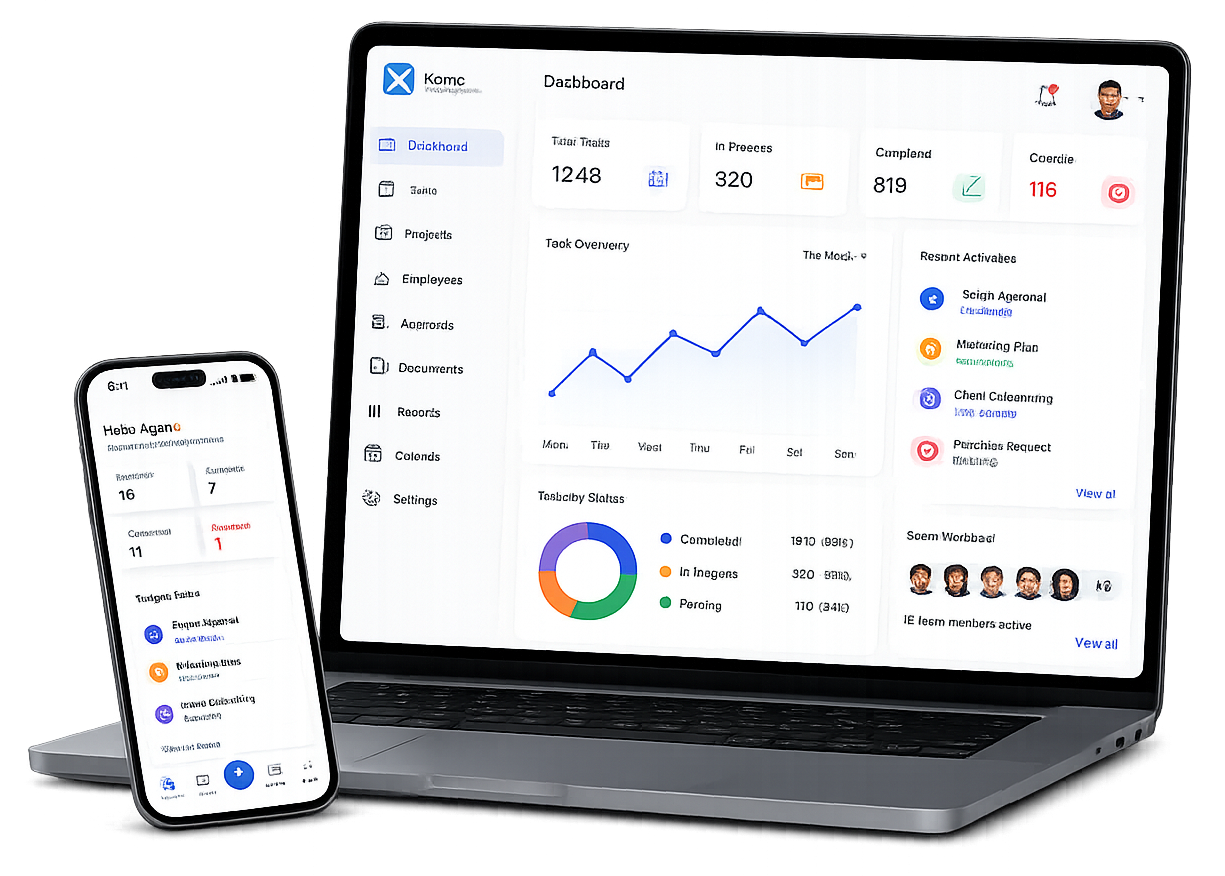
BUSINESS WORKFLOW MANAGEMENT SOFTWARE
Organize Every Business Process from Planning to Completion
Business processes often involve multiple people, departments and approvals. Managing these activities through emails, spreadsheets or chat messages makes it difficult to understand who is responsible and what happens next.
Xync connects every stage into one structured workflow, helping teams move work forward without losing information or creating unnecessary delays.
DESIGN WORKFLOWS PEOPLE CAN FOLLOW
Everything Needed to Manage Business Processes
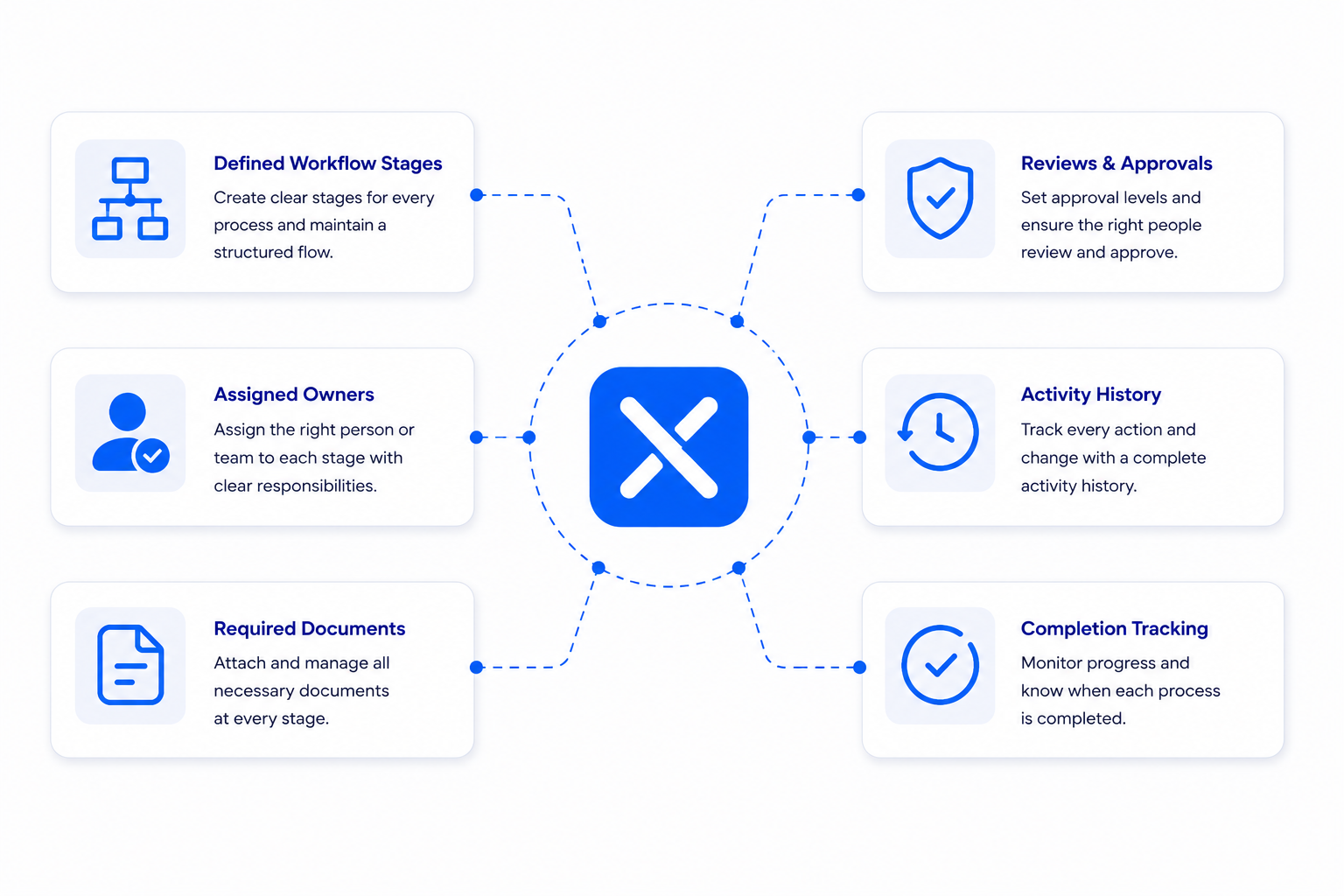
Workflow Stages
Create structured stages that match the way your business operates.
Stage Ownership
Assign responsibility to employees, teams or departments at every stage.
Cross-Team Handoffs
Transfer work between departments without losing context or documents.
Required Information
Collect the right details and supporting files before the workflow moves forward.
Approval Management
Review, approve, reject or return requests using a structured approval process.
Workflow Tracking
Monitor workflow status, pending actions and delayed stages in real time.
Workflow History
Maintain a complete history of comments, decisions, documents and stage changes.
Process Reporting
Review workflow performance through dashboards and business reports.
MORE CLARITY WITH LESS ADMINISTRATION
Improve Daily Work Without Adding Complexity
Purchase Requests
Route purchase approvals through management and finance.
Customer Onboarding
Coordinate sales, operations and service teams.
Employee Onboarding
Manage HR, IT and administration activities.
Expense Approval
Collect receipts and route approvals efficiently.
Document Review
Manage drafting, review and final approval.
Internal Service Requests
Track maintenance, IT and administration requests.
Customer Complaints
Coordinate investigations and resolution activities.
Project Change Requests
Review proposed changes before implementation.
WHY CHOOSE XYNC
Built for Teams. Designed for Better Work.
Better Process Visibility
Clear Ownership
Faster Approvals
Consistent Business Processes
Connected Information
Better Operational Control
Frequently Asked Questions
What is workflow management software?
Workflow management software helps businesses coordinate the stages, people, departments, information and decisions required to complete a process.
Which processes are suitable for workflow management?
Recurring processes involving several people, supporting documents, departmental handoffs or formal decisions are usually suitable.
Can one workflow involve multiple departments?
Yes. Responsibility can move between departments as the process progresses while the same workflow record remains connected.
Can workflows include approvals?
Yes. Review and approval stages can be included where authorization, quality control or risk management is required.
Can documents be attached to a workflow?
Supporting documents can be connected to the process where the relevant Xync document capabilities are enabled.
How is workflow management different from task management?
Task management focuses on individual assignments. Workflow management connects multiple activities, handoffs and decisions into one complete business process.
Can a reviewer return a request for correction?
A reviewer may be able to return the request for additional information or changes, depending on the workflow configuration.
Can managers identify delayed workflows?
Managers may be able to review the current stage, responsible owner and pending actions through the available workflow views and reports.
Should every business activity become a workflow?
No. A simple activity completed by one person may only require a task. Workflows are more useful when coordination, consistency, approvals or process history matter.
Can workflows be changed after they are created?
Workflows should be reviewed and refined as business requirements change. Editing options depend on user permissions and product configuration.
Does Xync provide workflow automation?
Only confirmed automation features should be published. Notifications, automatic routing, conditional logic and status changes should be verified before promotion.
How should we choose our first workflow?
Start with a recurring process that involves several participants and currently creates delays, incomplete requests or repeated manual follow-up.