
No More Chasing—Just Progress
Simplify Your Business Processes. Keep Work Moving
Organise recurring work with clear task owners, priorities, deadlines and status updates. Keep instructions, comments and supporting files connected so your team can see what needs attention.
Xync supports the task-level coordination behind everyday business activities. Start by making responsibilities and completion expectations clear, then identify which process steps need human judgement and which are candidates for automation.
- Clear Task Ownership
- Priorities & Deadlines
- Status Updates
- Completion Review
PROCESS COORDINATION
Bring Structure to Everyday Business Processes
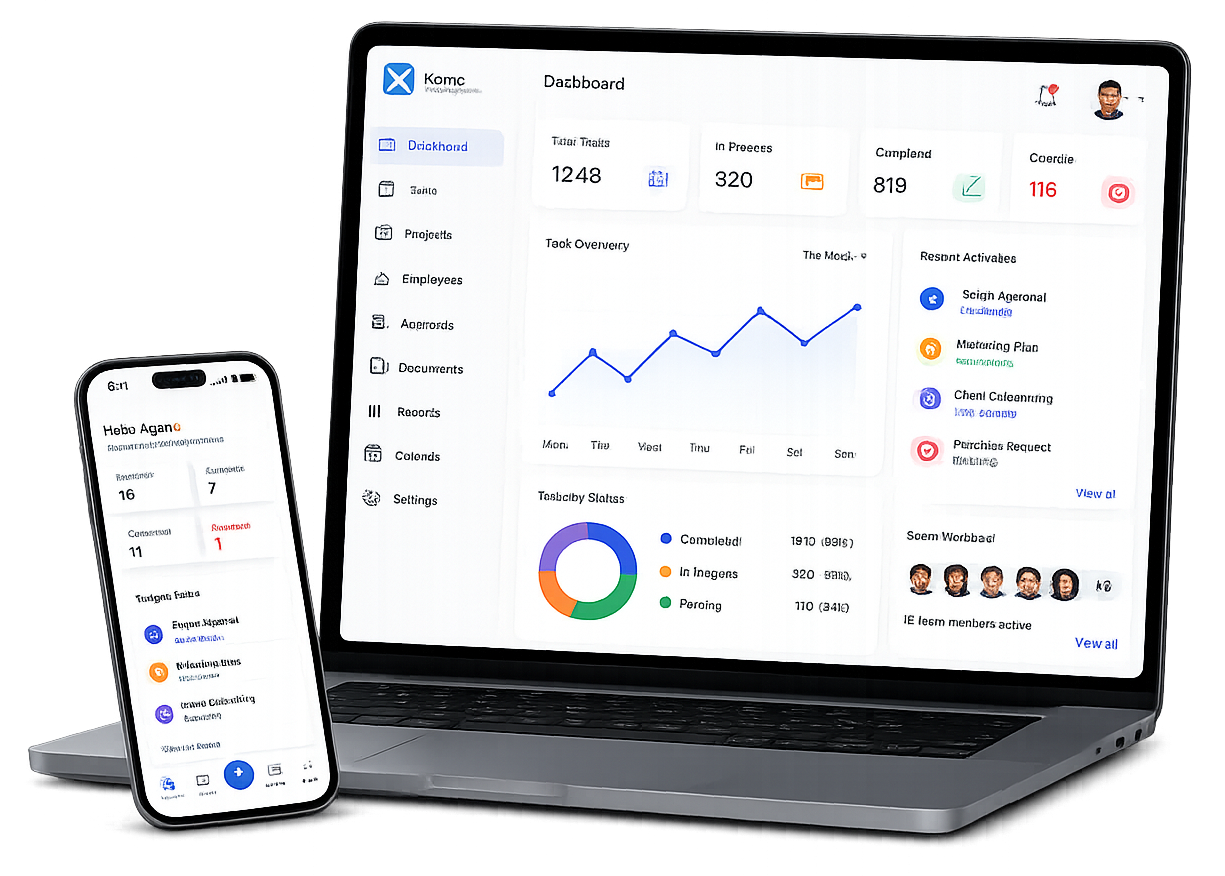
Coordinate recurring work with clear task owners, priorities and deadlines. Xync keeps instructions, comments and supporting files connected to each task, giving your team the context needed to act. Review the latest status, follow up on pending work and reassign tasks when responsibilities change.
TASK-BASED PROCESS COORDINATION
Keep Responsibilities, Deadlines and Progress Visible
Clear Task Ownership
Assign each task to a responsible user so the team knows who is expected to act. Keep the task description and completion expectations with the work record.
Reassignment When Responsibility Changes
An authorised user can reassign a task to another responsible person. This supports changes in ownership without presenting reassignment as automatic, rule-based routing.
Structured Task Records
Create tasks with a title, description, responsible user, priority, deadline and status. Add comments and associate supporting files to keep the context connected to the work.
User-Defined Priorities
Set task priorities according to business needs. Give team members a clearer indication of which activities require attention first.
Task Deadlines
Set a deadline for each task and review it alongside the latest recorded status. Use this information to identify work that needs follow-up.
Progress Updates
Update task status and add comments as work progresses. Managers and other authorised users can review the latest recorded information.
Task-Completion Review
In the supported task workflow, work can enter a waiting-for-approval state before the responsible reviewer confirms completion. This provides a review point for that task’s outcome.
In-App Task Notifications
Supported in-app notifications inform users about task assignment, reassignment and overdue work. These notifications relate to task events rather than automatic movement through an entire business process.
READY-MADE PROCESS WORKFLOWS
Keep Everyday Business Work Organised and Moving
Use Xync’s task-management features to coordinate recurring activities across your business. Assign clear responsibility, set priorities and deadlines, and keep comments and supporting files connected to each task.
Employee Onboarding
Assign document collection, workspace setup and introduction tasks to responsible team members.
Employee Handover & Exit
Track handover activities, pending work and clearance follow-ups with clear ownership.
Purchase Request Follow-Ups
Coordinate tasks for purchase requirements, supporting information and internal review follow-ups.
Document Preparation & Review
Assign preparation and review tasks, attach supporting files and record feedback.
Customer Onboarding
Coordinate information collection, internal preparation and customer follow-up tasks.
Process Improvement Actions
Turn agreed improvements into assigned tasks with deadlines and progress updates.
Internal Request Coordination
Assign tasks, set priorities and track progress on work arising from internal requests.
Expense Management
Simplify expense submission, verification, approval, and record completion processes.
Expense Documentation
Organise receipt collection, missing information and expense-review follow-up tasks.
WHY CHOOSE XYNC
Customised Solutions for Your Business Challenges
Your Problem Comes First
We understand your challenges before recommending a solution.
Built Around Your Processes
We shape the solution around your activities, responsibilities and review requirements.
Designed for Your Team
We focus on how your employees and managers work—not just software features.
Focused on What Matters
We prioritise what your business needs without adding unnecessary complexity.
Practical Business Outcomes
We prioritise what your business needs without adding unnecessary complexity.
Solutions Tailored to You
We provide customised solutions for your business requirements and operational priorities.
Frequently Asked Questions
What is business process automation?
Business process automation uses defined triggers, rules and actions to carry out repeatable process steps. It differs from simply recording tasks or updating their status.
Clear responsibilities, consistent information and agreed completion conditions help a business decide what can be automated and where people should remain involved.
How does Xync help coordinate business processes?
Xync supports the task-level activities within a process. Users can create tasks, assign a responsible user, set priorities and deadlines, update status, add comments and associate supporting files.
The scope described on this page is task-based coordination, selected in-app notifications and completion review in the supported task workflow.
Can a task be reassigned when responsibility changes?
Yes. A task can be reassigned to another responsible user, subject to the current access controls. This is a user-controlled change in responsibility, not a promise of automatic routing between roles or departments.
Can task completion require review?
Yes. In the supported task workflow, a task can enter a waiting-for-approval state before the responsible reviewer confirms it as completed.
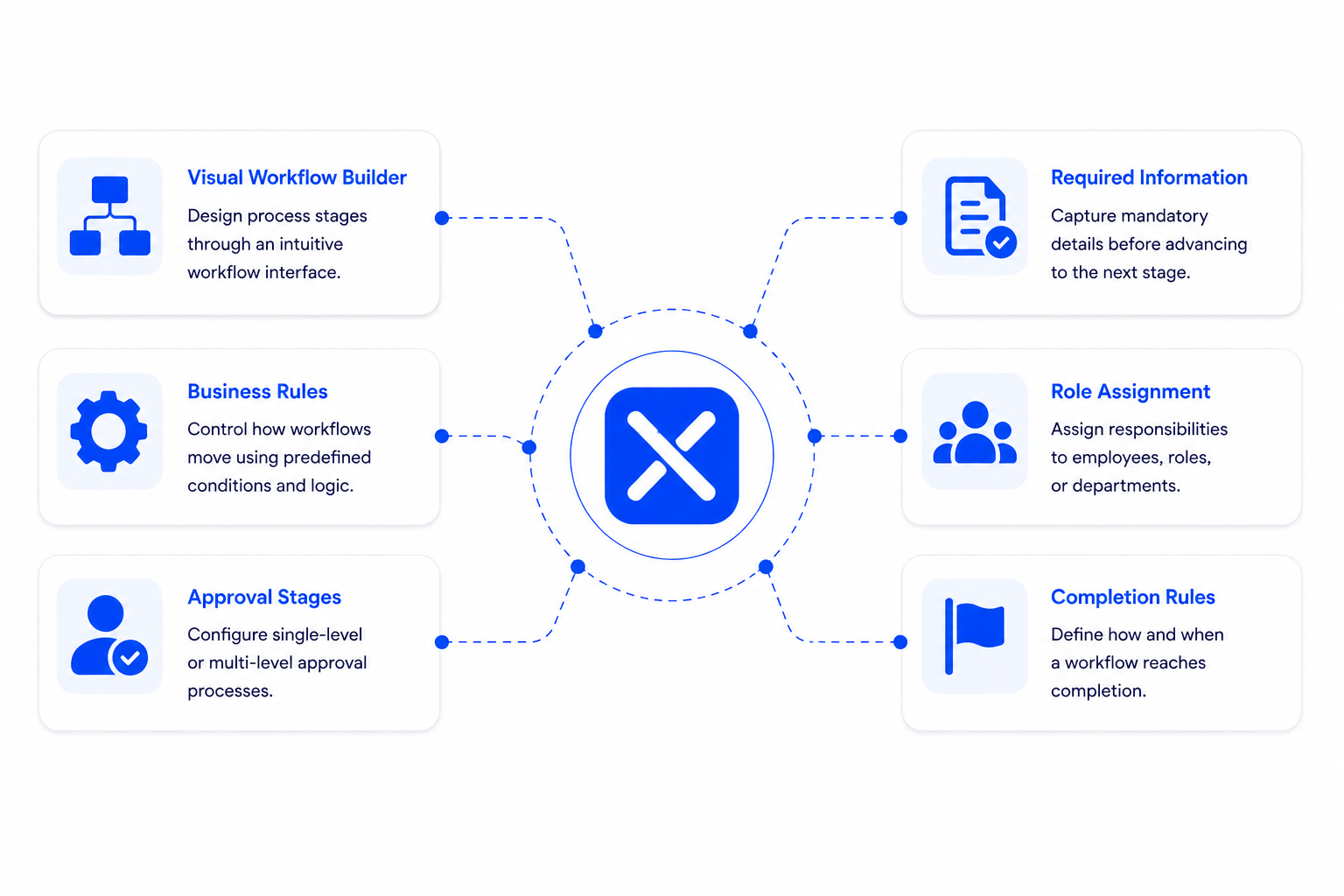
This task-completion review should not be confused with a configurable, multi-level approval process for every business request.
Which responsibilities remain with people?
People define the work, assign responsibility, set priorities, update progress and review outcomes. Supported notifications provide information about task events; they do not replace responsibility for the work or the decisions involved.
How can managers identify delayed work?
Managers can review task deadlines, the latest recorded status and supported in-app notifications to identify work that needs attention.
A task deadline or overdue notification is different from a contractual SLA timer, an automated escalation rule or a dedicated process-performance report.
Are the business-process examples ready-made templates?
No. The examples on this page are prompts for planning responsibilities and activities. They are not presented as preconfigured Xync templates.
Use a demonstration to confirm how your required activities can be represented in the current product.
Which processes should we organise before considering automation?
Start with recurring activities where ownership is unclear, information is scattered or follow-ups are frequent. Define the intended outcome, responsible people, required information, deadlines and exceptions.
Once the process is clear, assess which steps are predictable enough for automation and which require judgement or review.