
APPROVAL MANAGEMENT SOFTWARE
Make Every Business Approval Clear, Consistent and Accountable
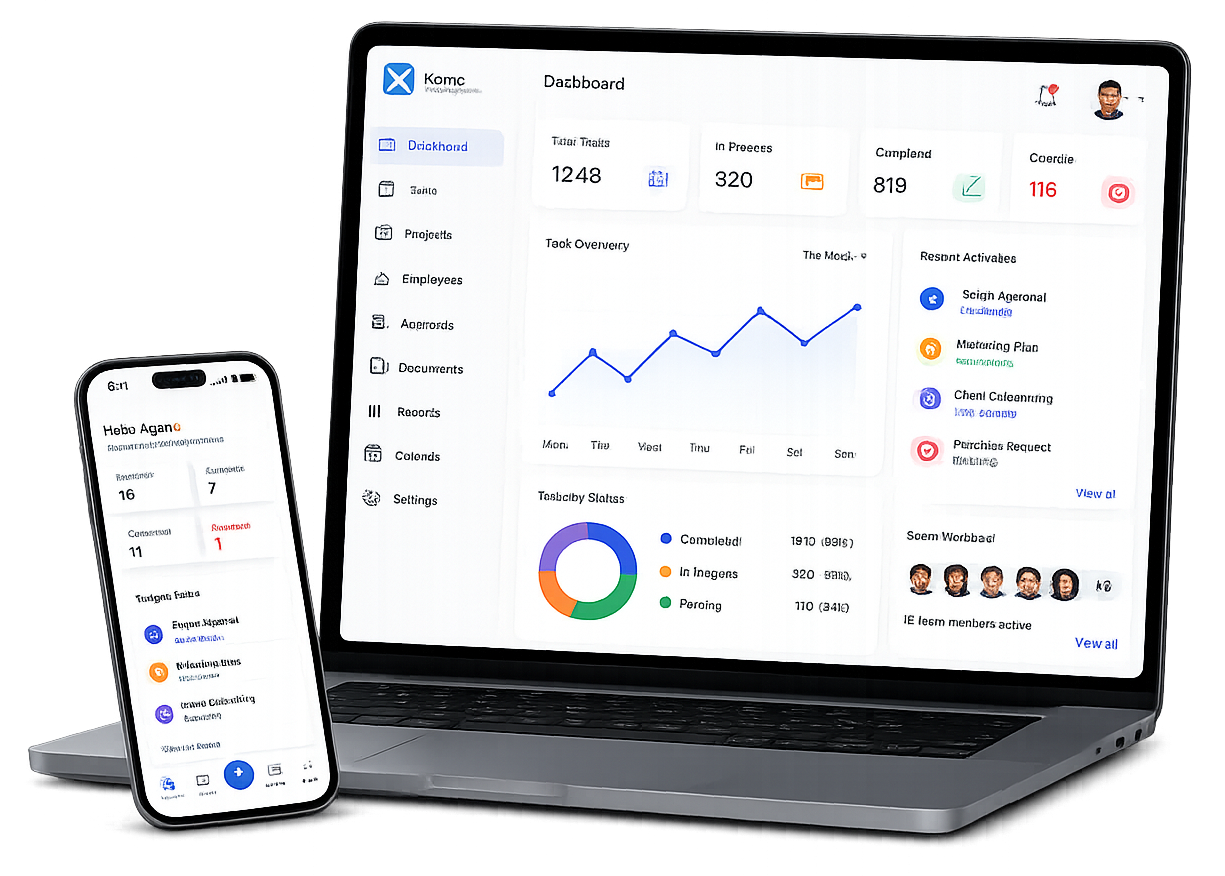
Xync helps businesses submit, review and track approval requests from one connected platform.
Give reviewers access to the request details, supporting documents, comments and previous decisions they need to make informed choices. Managers can monitor pending approvals, identify delays and maintain a reliable record of every decision.
Replace approval requests managed through emails, messages and spreadsheets with a structured process that is easier to follow and control.
- Centralized requests
- Visible status
- Clear reviewers
- Complete decision history
CENTRALIZED APPROVAL MANAGEMENT
Everything Needed to Review and Manage Every Approval
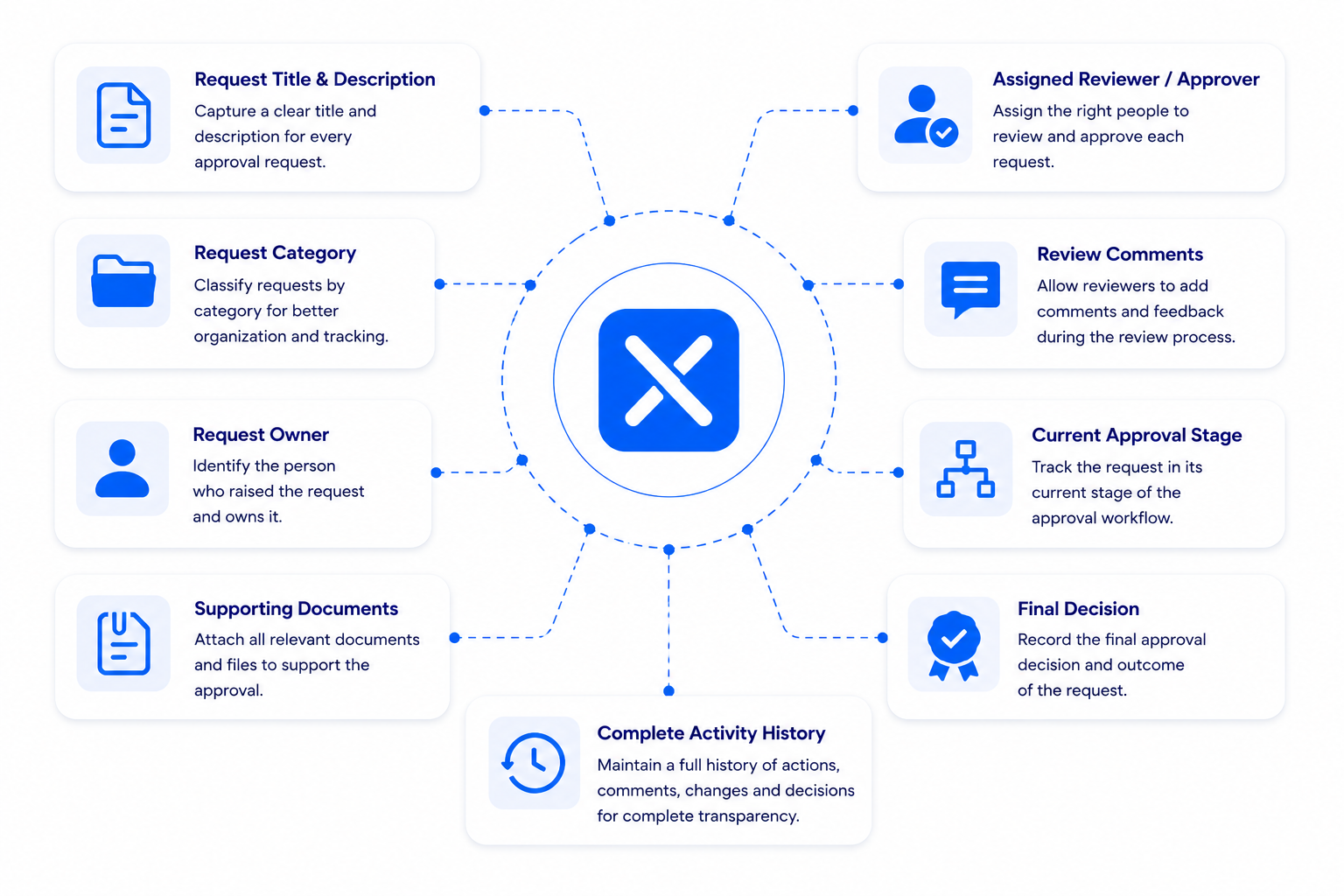
Business approvals often involve multiple reviewers, supporting documents and important business decisions. When approval information is scattered across emails, chat messages or spreadsheets, it becomes difficult to understand who needs to review a request, what information has been provided and what decision was made.
Xync brings every approval into one centralized record, giving reviewers the complete context they need while providing requesters with clear visibility into the approval process.
SUPPORT EVERYDAY BUSINESS DECISIONS
Manage Different Approval Processes from One Platform
Task Details
Review the task title and instructions to understand the work that needs to be completed.
Clear Ownership
Identify the responsible user so questions about the work reach the right person.
Completion Expectations
Use the task description to explain the expected result before work begins.
Supporting Files
Keep relevant files associated with the task to provide context for review.
Work Comments
Read updates and explanations connected to the task before confirming completion.
Deadline Context
Review the task deadline alongside its latest recorded status.
Waiting-for-Approval Status
Distinguish tasks awaiting completion review from work already confirmed complete.
Reviewer Feedback
Use task comments to record observations and clarify the outcome being reviewed.
Completion Confirmation
The responsible reviewer can confirm completion within the supported task workflow.
CREATE APPROVALS PEOPLE CAN FOLLOW
Create Approval Workflows That Are Clear,
Efficient and Consistent
Define the Expected Result
Describe what completed work should include in the task instructions.
Clarify Review Responsibility
Agree who is responsible for checking the work within the supported task workflow.
Keep Information Together
Associate relevant files and comments with the task before review.
Update the Work Status
Keep the recorded status aligned with progress so others know where the work stands.
Check the Outcome
Compare the delivered work with the task instructions before confirming completion.
Add Useful Feedback
Record clear comments that explain observations or information needing clarification.
Confirm Completion
Use the supported review action to confirm that the task is complete.
Not sure where to start?
Talk to our team for a walkthrough tailored to yours.
SUPPORT EVERYONE INVOLVED
Keep Task Owners and Reviewers Aligned
Task Owners
Keep task updates, comments and supporting information ready for review.
Reviewers
Check the work against its instructions and confirm completion within the supported workflow.
Managers
Review the latest recorded task status within existing access permissions and follow up where needed.
WHY CHOOSE XYNC
A Clearer Way to Review Completed Work
Task Context in One Place
Keep instructions, updates and supporting files connected to the work.
Clear Completion Status
Distinguish work awaiting review from tasks confirmed complete.
More Informed Reviews
Give reviewers the available context needed to assess the outcome.
Feedback Connected to Work
Keep review comments alongside the task rather than in separate conversations.
Clearer Follow-Ups
Use ownership, recorded status and comments to focus the next conversation.
Frequently Asked Questions
What is task-completion approval?
Task-completion approval adds a review point before work is confirmed complete. The responsible reviewer checks the outcome against the task instructions.
How does completion review work in Xync?
In the supported task workflow, a task can enter Waiting for Approval. The responsible reviewer can then review the work and confirm completion.
Who can confirm task completion?
Completion is confirmed by the responsible reviewer within the supported workflow. Available actions depend on the current user roles and access controls.
Can supporting files and comments be used during review?
Supporting files can be associated with the task, and comments can provide updates or explanations. Their availability depends on the enabled task features and user access.
Can reviewers record feedback?
Reviewers can use comments in supported task contexts to record observations and clarify the work being assessed.
How can users identify work awaiting review?
The Waiting for Approval task status indicates that completion review is pending. Users can check the latest recorded status within their available access.
How is completion approval different from task management?
Task management covers assigning, prioritising and updating work. Completion approval focuses on reviewing the outcome before the task is confirmed complete.
How is completion approval different from workflow management?
Yes. Approval stages can form part of a wider business workflow where supported by the platform.
What should we prepare for a demonstration?
Bring a representative task, its expected result and an explanation of who performs and reviews the work. This helps the demonstration focus on your actual requirements.